Guide
Chrome Dino High Score Tips — Tips & Guide (2026)
15 Proven Strategies to Smash Your Personal Best
The Chrome Dino game looks simple, but scoring high requires precise timing, smart strategies, and plenty of practice. Whether you are aiming to break 1,000 points or push toward the famous 99,999 milestone, these 15 tips will help you level up your game. We have organized them into three categories: fundamentals, intermediate techniques, and advanced mastery.
At a glance
Quick Summary
- 01Learn the Two Desktop Controls
- 02Use Short Hops for Low Cacti
- 03Focus Your Eyes Ahead
- 04Stay Calm During Day/Night Transitions
- 05Start Every Session with a Warm-Up
Fundamentals: Building Your Base
Before chasing high scores, master the basics.
Learn the Two Desktop Controls
BeginnerSpace or Up Arrow jumps; Down Arrow ducks on the ground and fast-falls in the air. The middle desktop pterodactyl position requires ducking, so practice both actions.
Use Short Hops for Low Cacti
BeginnerRelease the jump key after the dino reaches its minimum jump height to shorten the jump. This keeps you closer to the ground and can leave more time for the next obstacle.
Focus Your Eyes Ahead
BeginnerWatch the obstacle approach rather than staring at the dino. Pick a consistent point far enough ahead to classify the next obstacle.
Stay Calm During Day/Night Transitions
BeginnerCurrent Chromium checks for an inversion trigger at 700-point multiples, then keeps the inversion timer active for 12 seconds. The color change does not alter collision physics.
Start Every Session with a Warm-Up
BeginnerUse early runs to settle your timing before attempting a long endurance score.
Intermediate Techniques: Breaking 5,000
Once you're comfortable with the fundamentals, these intermediate strategies will push your scores well past the 5,000-point mark.
Master the Late Jump
IntermediateJump as late as possible before each obstacle. Early jumps leave you airborne longer, reducing your control. Late jumps are tighter and let you land faster, giving you more time to react to the next hazard.
Recognize Obstacle Patterns
IntermediateObstacles come in repeating patterns. After enough play, you'll start recognizing sequences of cacti and pterodactyls. Pattern recognition lets you pre-plan your inputs instead of purely reacting.
Use the Down Arrow to Fast-Fall
IntermediatePressing the down arrow while airborne makes the dino fall faster. This is crucial at high speeds where you need to land quickly to prepare for the next obstacle.
Develop a Rhythm, Not Reactions
IntermediateAt higher speeds, pure reaction time isn't enough. Develop an internal rhythm that matches the game's pacing. This turns frantic button-mashing into a smooth, rhythmic performance.
Take Strategic Breaks
IntermediateFatigue kills runs. If you feel your reactions slowing, consider that this might not be your best session. Regular short practice sessions beat marathon attempts for skill building.
Advanced Mastery: The Road to 99,999
These techniques matter most once the pace is high.
Minimize Jump Height
AdvancedRelease the jump key as soon as you have enough clearance. Shorter airtime leaves more room to react to the next obstacle.
Read the Next Obstacle Early
AdvancedClassify the next cactus or pterodactyl as soon as it is visible, then commit to jump, duck, or no input. Do not press a second action blindly before landing.
Recognize Pterodactyl Height
AdvancedChromium defines three desktop pterodactyl heights and two mobile heights. Learn which ones call for jumping, ducking, or simply continuing to run.
Set Up a Stable Environment
AdvancedClose distracting tabs, keep the game visible, and use a comfortable keyboard position. The game itself is local, so network connection quality does not affect the runner loop.
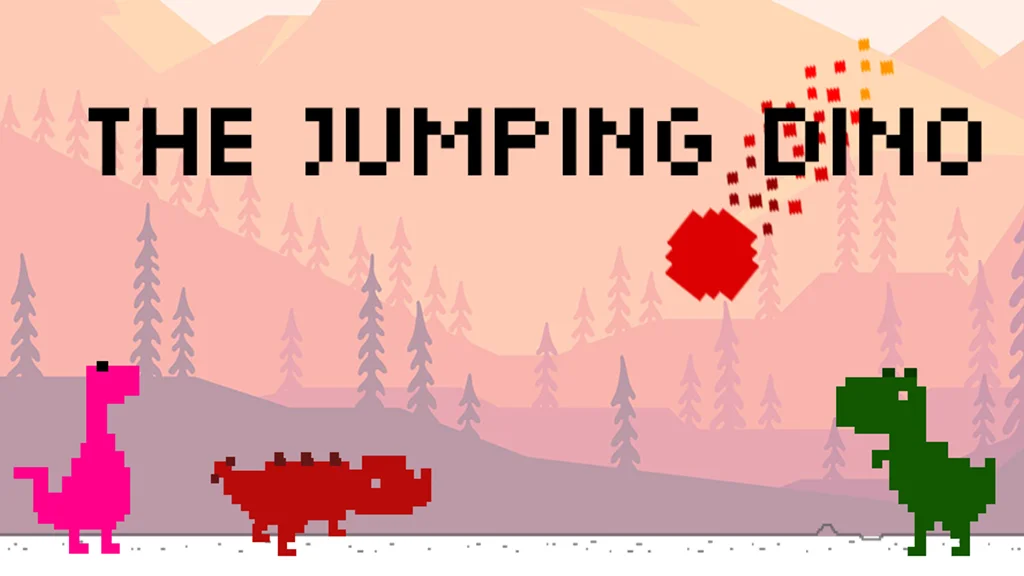
Use The Jumping Dino for Structured Practice
AdvancedThe Jumping Dino app adds campaign levels, Infinite mode, collectible characters, AI ghost races, and connected leaderboards. Its staged levels offer a different way to practice one-tap runner timing.