Wiki
Chrome Dino Easter Eggs
Every Hidden Secret in Google's T-Rex Runner
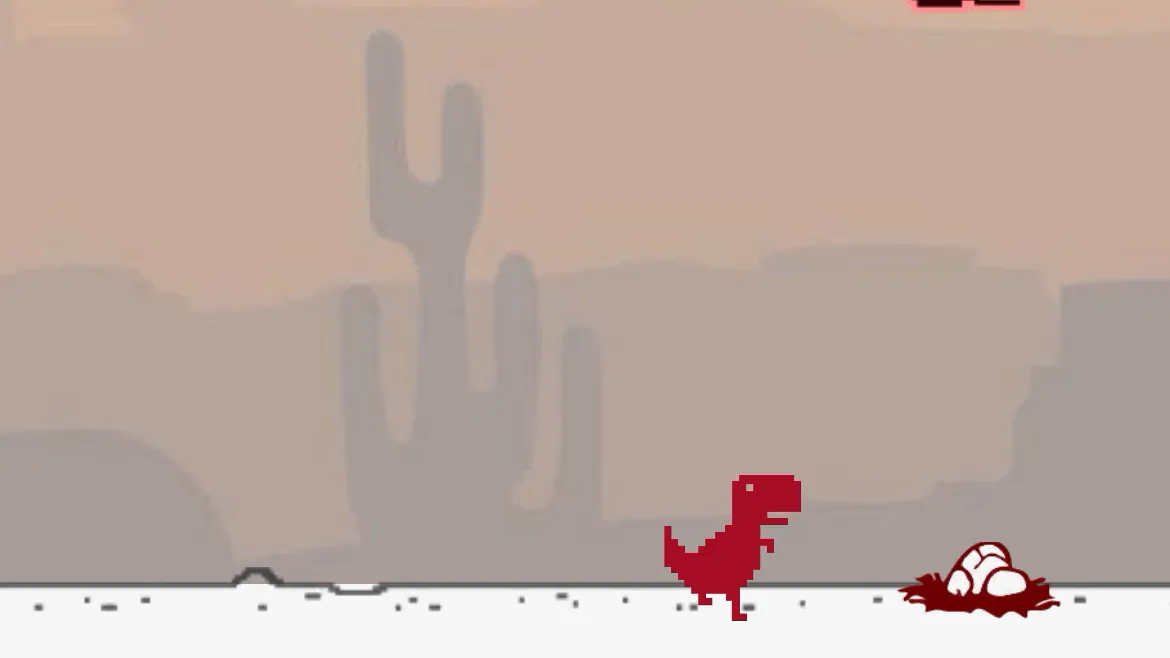
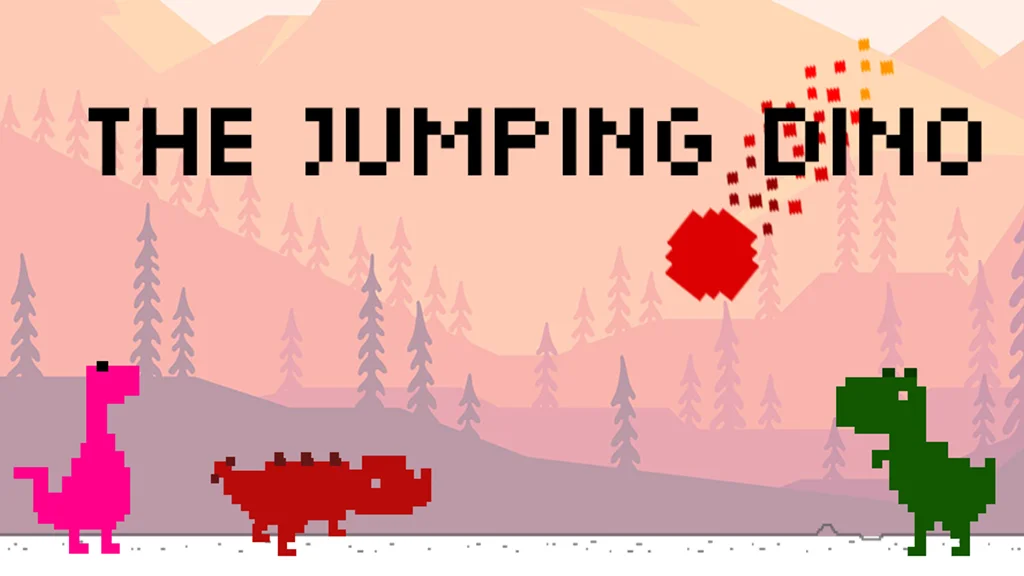
The Chrome Dino game — officially known as the Dinosaur Game or T-Rex Runner — looks deceptively simple, but Google's engineers buried a handful of charming Easter eggs inside it. These hidden features reward curious players and reflect the playful engineering culture at Google that produced the game in the first place. The most famous Easter egg is the birthday hat. Each year on the game's anniversary (around September 6, 2014, when the game first appeared in Chrome Canary builds), the T-Rex sprite automatically wears a tiny party hat. The hat is baked directly into the sprite sheet and is toggled by a date check in the game's source code — a small but delightful tribute to the game's history. Another well-known feature is the day/night cycle. Every ~700 points, the game's color palette inverts: the white background becomes black, the black dino becomes white, and the ground turns dark. This was added in 2018 and serves both as a visual refresh and a subtle difficulty cue — the contrast shift can momentarily trip up players. Beyond the game itself, the source code contains tribute comments and playful variable names left by the developers. The codebase uses names like Trex, FPS, and NIGHT_MODE in ways that hint at the developers' personalities. Games inspired by Chrome Dino, like The Jumping Dino, take the Easter egg tradition further — offering unlockable dino costumes, hidden game modes, and collectible items that pay homage to the original.
The Birthday Hat Easter Egg
The birthday hat is Chrome Dino's most beloved Easter egg. The T-Rex sprite sheet contains an alternate animation frame where the dinosaur wears a small conical party hat. This frame is only displayed when the browser's local date matches the game's anniversary date. The hat was first noticed by eagle-eyed users who happened to play the game on that date, then rapidly spread across social media. Google has never officially documented the feature, which makes stumbling upon it feel genuinely special. If you want to see the birthday hat without waiting for the right date, you can temporarily change your system clock, or use browser developer tools to manipulate the JavaScript date object in the page's context.
Day/Night Color Inversion
Added in Chrome 68 (2018), the day/night cycle is the most visible ongoing Easter egg. After approximately 700 points, the entire game's color scheme inverts for a period before switching back. Multiple cycles can occur in a single run. This feature was motivated by both aesthetics and subtle gameplay challenge. The sudden contrast switch can momentarily confuse players who aren't expecting it, adding a layer of visual difficulty on top of the speed increase. It also gives the game a more dynamic feel for long runs. The transition is gradual rather than instant — a brief animation smooths the shift between modes, which itself is a small but polished engineering touch.
Console Manipulation and Hidden Behaviors
Power users discovered that the Chrome Dino game exposes its internal state through the browser's JavaScript console. By opening DevTools and accessing the Runner object, you can read and write game properties in real time. Common console tricks include: setting Runner.instance_.setSpeed(0) to freeze the game, making the dino invincible with Runner.instance_.tRex.setDuck(true), or speeding up gameplay to practice at extreme speeds. These aren't Easter eggs in the traditional sense, but they reveal the game's surprisingly accessible architecture. Some developers have used this openness to create browser extensions and mods that change the dino's appearance, add new obstacles, or alter the physics — a small modding community that sprang from a simple offline placeholder.