Chrome Dino Easter Eggs: Every Secret You Didn't Know
Play while you read
Play now or get the full game
Play the browser runner, or get the mobile app with Campaign, Infinite mode, dinosaur progression, and AI ghost races.
Most People Have Played It. Almost Nobody Knows All Its Secrets.
The Chrome Dinosaur Game looks simple. A pixelated T-Rex, some cacti, a flat desert. But Google's designers have been hiding secrets in this game for over a decade.
From birthday parties to Olympic sports to hidden console commands that make you invincible, here's every Chrome Dino easter egg you probably didn't know about.
1. The Birthday Cake Party Hat
Every September, the Chrome Dino game celebrates its birthday (and Chrome's anniversary) with a special surprise.
During the month of September, a birthday cake randomly appears on the ground among the regular obstacles. Here's the fun part: you don't have to collect it. You can jump over it like any other obstacle. But if you run into it, something magical happens.
The T-Rex instantly puts on a party hat -- blue during the day, red at night. Balloons start floating across the sky, turning the barren desert into a little celebration.
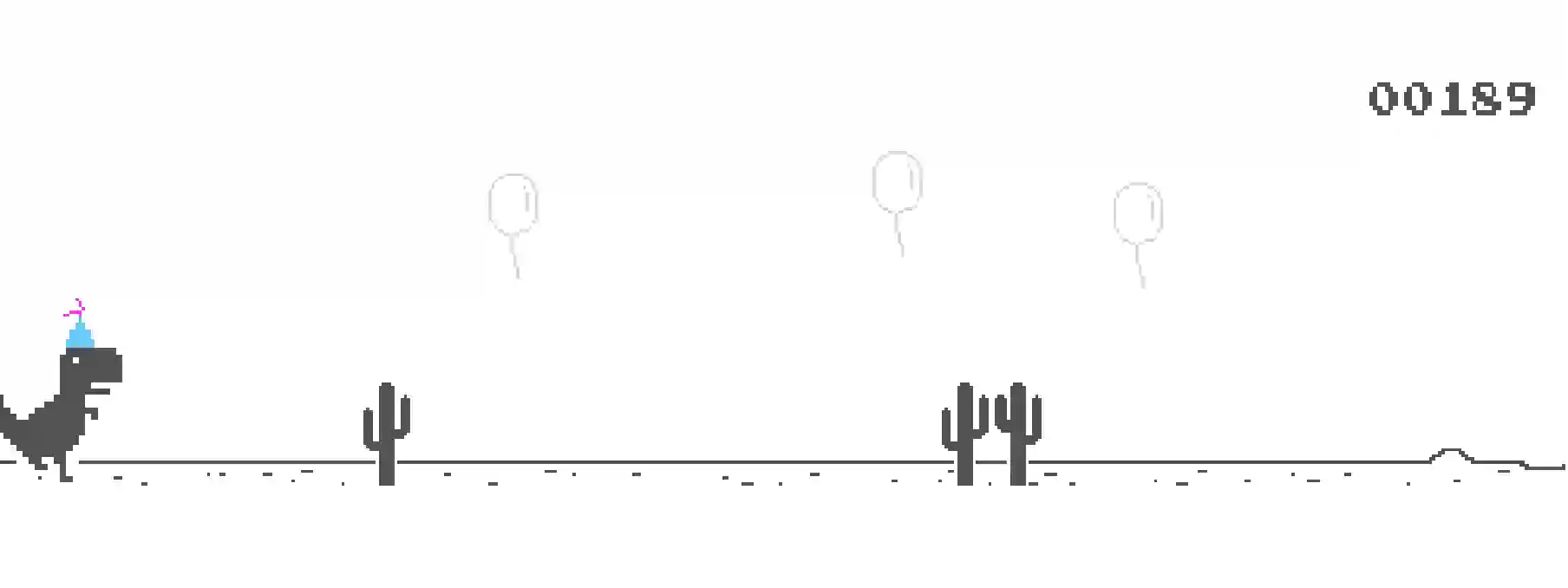
The party hat stays on for the rest of your session, even across multiple runs. One of the developers, an amateur baker, decided on a classic vanilla cake -- reasoning that since the dino would eat it millions of times over, it should taste good.
This easter egg was first added in September 2018 for Chrome's 10th birthday.
2. The Day/Night Cycle
You've probably noticed the screen going dark while playing. But did you know it follows a precise pattern?
The game switches to night mode at exactly 700 points. The background turns black, the dinosaur and obstacles turn white, and stars with a moon appear in the sky. Night mode lasts for about 12 seconds (it's time-based, not score-based), then the game switches back to day.
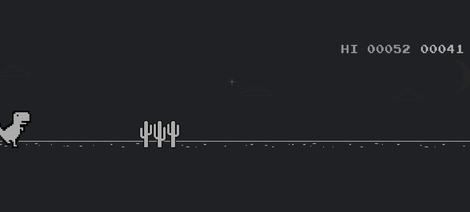
This cycle repeats every 700 points throughout your entire run. So you'll see night mode kick in around 700, 1,400, 2,100, and so on.
The design serves two purposes. First, it adds visual variety to an otherwise monotonous desert landscape. Second, the sudden contrast inversion momentarily disorients you, making the game just a little harder each time it switches. Your eyes need a split second to adjust, and at high speeds, that split second can be deadly.
If your browser is already in dark mode, the cycle reverses -- the game starts dark and switches to light.
3. Pterodactyls and the Ducking Mechanic
The original 2014 Chrome Dino game only had cactus obstacles. Pterodactyls were added in a June 2015 Chrome update, and they completely changed the game.
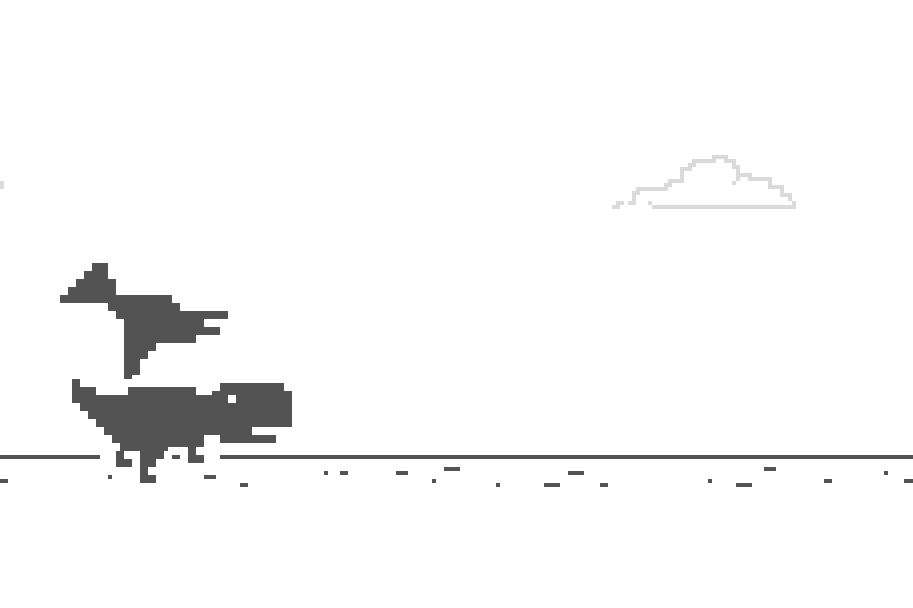
Pterodactyls start appearing after roughly 450 points (once the game speed reaches 8.5 pixels per frame). Unlike cacti, they fly at three different heights:
- Low-flying: You need to jump over them
- Medium height: You can either jump or duck
- High-flying: You must duck under them
This is where the down arrow key becomes essential. Pressing it on the ground makes the T-Rex duck. But there's a hidden mechanic that most players don't know: pressing down while mid-air makes the T-Rex fall faster than normal gravity. This "fast fall" technique is crucial for advanced play, letting you recover from a jump instantly to prepare for the next obstacle.
4. The Olympic Games (Tokyo 2021)
This is one of the most elaborate easter eggs Google has ever hidden in the Chrome Dino game.
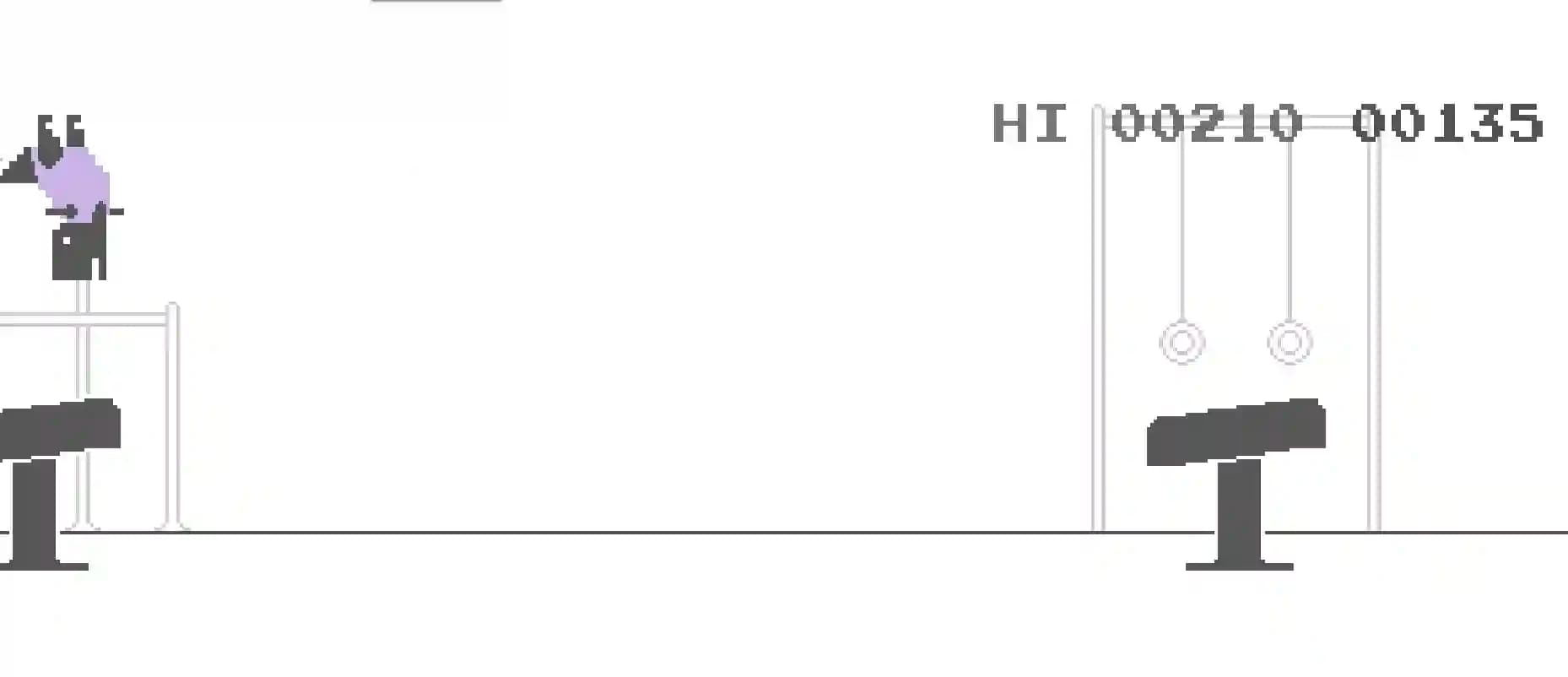
In July 2021, to coincide with the delayed Tokyo Olympics, an Olympic torch started appearing during gameplay. If you run into it (instead of jumping over it), the entire game transforms into one of several Olympic sport mini-games:
- Swimming: The T-Rex wears goggles and dives underwater, dodging buoys
- Gymnastics: The T-Rex mounts a pommel horse, and you alternate arrow keys to maintain the routine
- Equestrian: The T-Rex rides a horse through show-jumping rails
- Surfing: The T-Rex surfs ocean waves
- Hurdling: Cacti are replaced with hurdles on a stadium track
- Skateboarding: Celebrating the sport's Olympic debut at the Tokyo Games
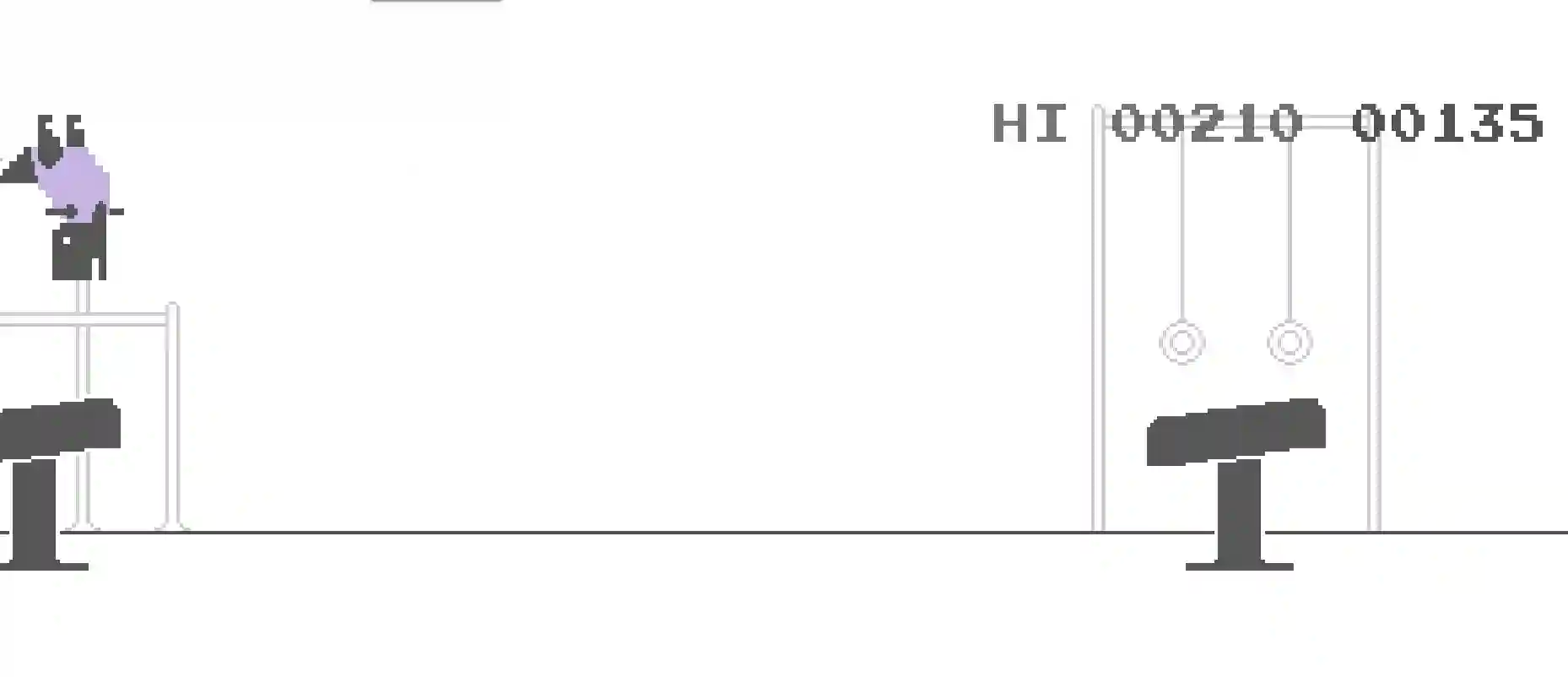
Each sport gives the dinosaur a different costume, and unlike the normal monochrome game, these Olympic versions feature full color graphics. The sport is randomly selected each time you grab a torch.
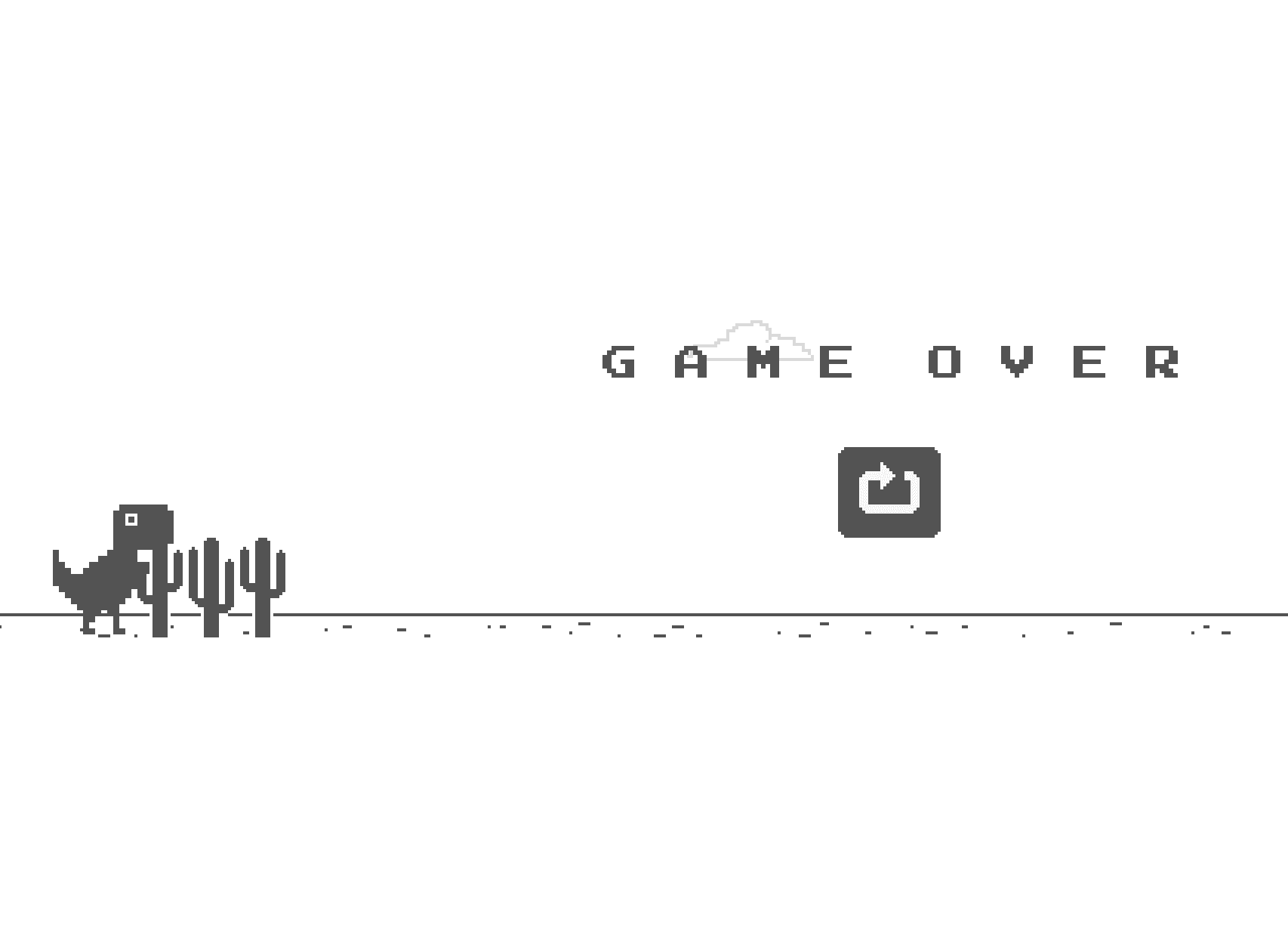
As a nod to Tokyo, the "Game Over" screen occasionally displayed the message in Japanese.
5. Hidden Ways to Access the Game
Most people know you can play when your internet goes down. But there are other ways:
chrome://dino: Type this in Chrome's address bar to launch the game immediately, even when you're online. This is the easiest way to play anytime.chrome://network-error/-106: This simulates the "no internet" error page directly.- Mobile: On iOS or Android, navigate to
chrome://dinoin the Chrome browser, or simply disconnect from Wi-Fi and try loading any page. - thejumpingdino.com/play: Play a dino runner game directly in your browser -- no installation needed, works on any device.
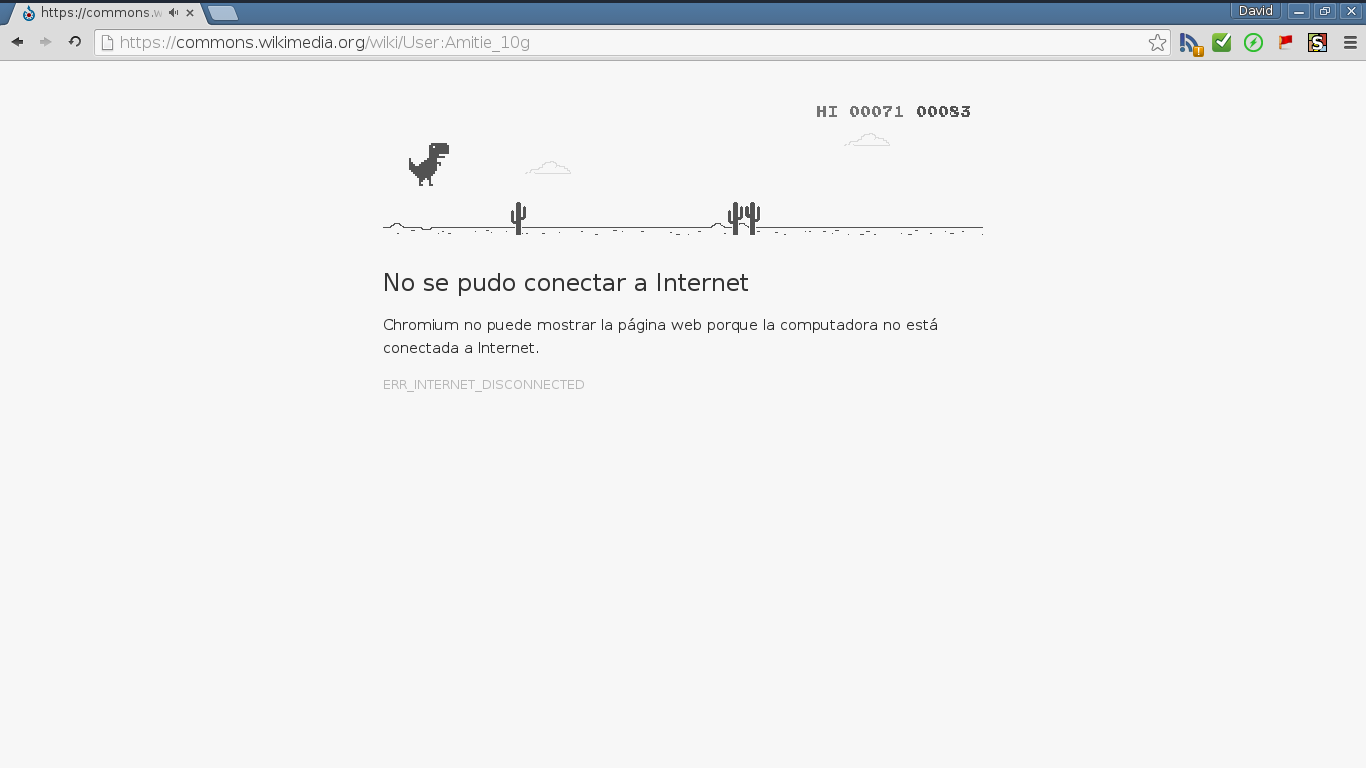
The game works on every platform Chrome runs on: Windows, macOS, Linux, Chrome OS, Android, and iOS.
6. The Admin Extinction Event
Some of you may have tried playing at school or work and found the game blocked. Here's what happens behind the scenes.
Google added an enterprise policy called AllowDinosaurEasterEgg that lets administrators disable the game on managed devices. Schools were the main reason -- students were playing during class instead of doing work.
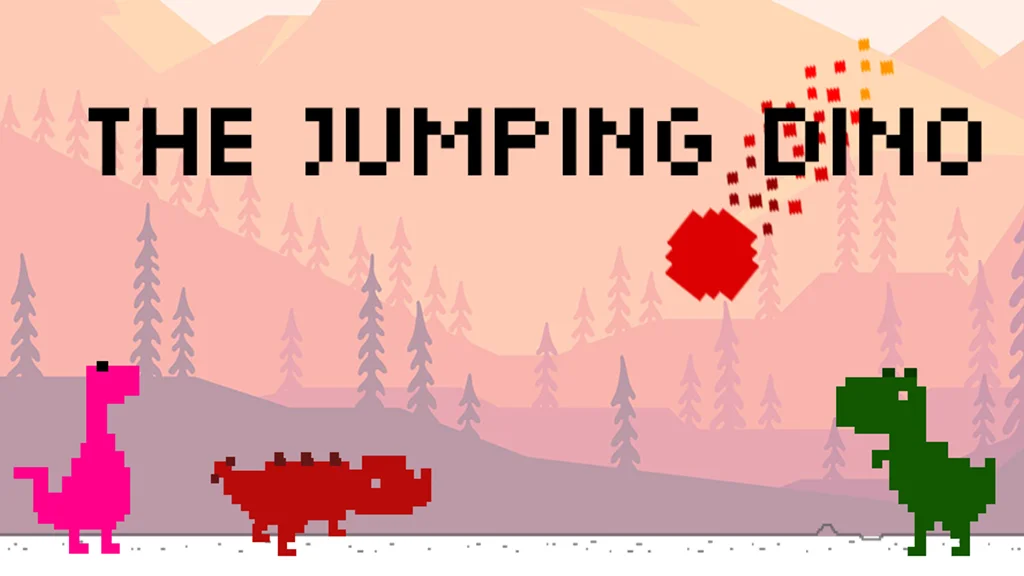
When the game is blocked, you see a darkly hilarious image: the T-Rex standing still while a meteor hurtles toward it from the sky. An extinction event. Game over before it even starts.

If your school or work blocks it, you can still play a dino runner at thejumpingdino.com/play -- it works in any browser.
7. The Sound Effects Most People Miss
Did you know the Chrome Dino game has sound effects? Many people play with their volume off or don't realize sounds were added in a later update.
Here's what you're missing:
- Every 100 points: A retro 8-bit "ping" chime plays, and the score counter briefly flashes
- Game over: A distinct crash sound when you hit an obstacle
- Jump: A subtle button-press tone when you leap
The original 2014 release was completely silent. The creators considered adding a "kick and a roar" to signal the dinosaur was alive, but decided to keep things minimal. The current sounds were added in a later Chrome update.
8. Score Hacks & Console Cheats
The Chrome Dino game has a few scoring secrets -- and ways to hack them.
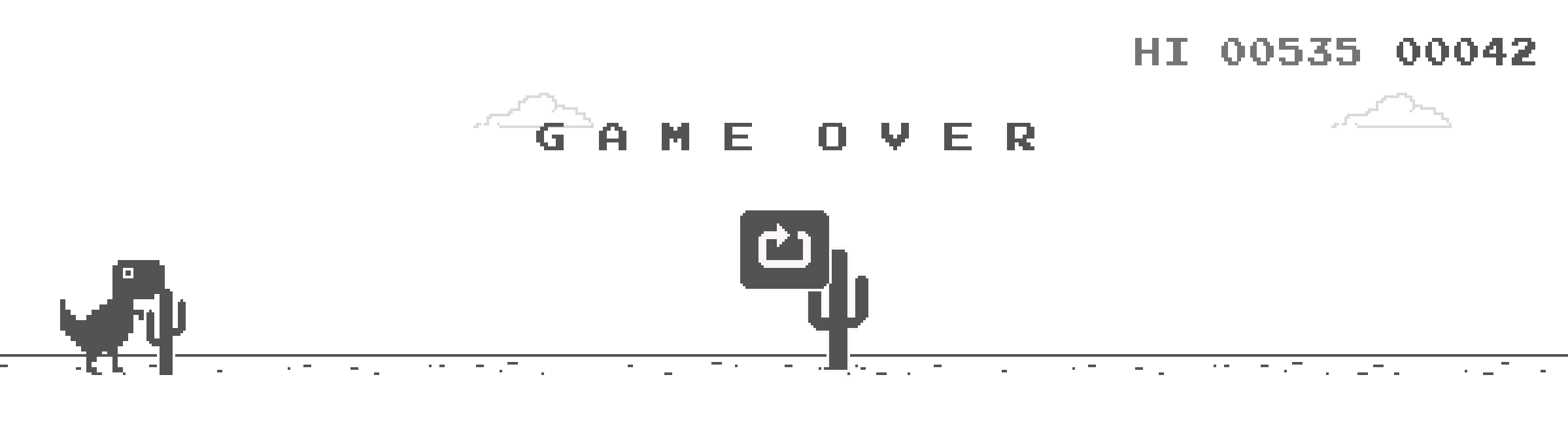
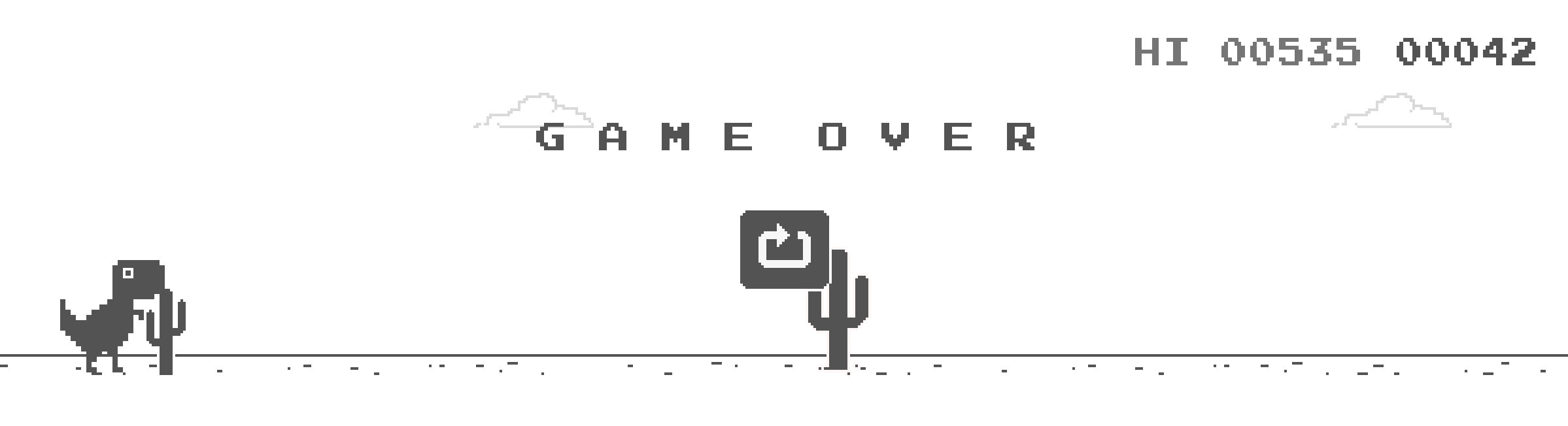
Your high score is displayed in the top-right corner, prefixed with "HI" (like HI 01234). It persists across sessions within the same browser profile. The score counter starts with five digits; after 99,999, the code expands to a sixth digit and keeps counting beyond that.
Since the game is built in JavaScript, you can hack it directly through Chrome's Developer Console. Press Ctrl+Shift+I (or Cmd+Option+I on Mac), click the Console tab, and try these:
God Mode (invincibility):
var original = Runner.prototype.gameOver;
Runner.prototype.gameOver = function(){};
This overrides the game-over function, making you immortal. To undo it:
Runner.prototype.gameOver = original;
Speed control:
Runner.instance_.setSpeed(1000);
Any number works. Default starting speed is 6. Set it to 1 for slow motion or 1000 for chaos.
Set your score:
Runner.instance_.distanceRan = 50000 / Runner.instance_.distanceMeter.config.COEFFICIENT;
Replace 50000 with whatever score you want.
Jump height control:
Runner.instance_.tRex.setJumpVelocity(20);
Default jump velocity is around 10. Set it higher to jump over everything, or lower for a challenge.
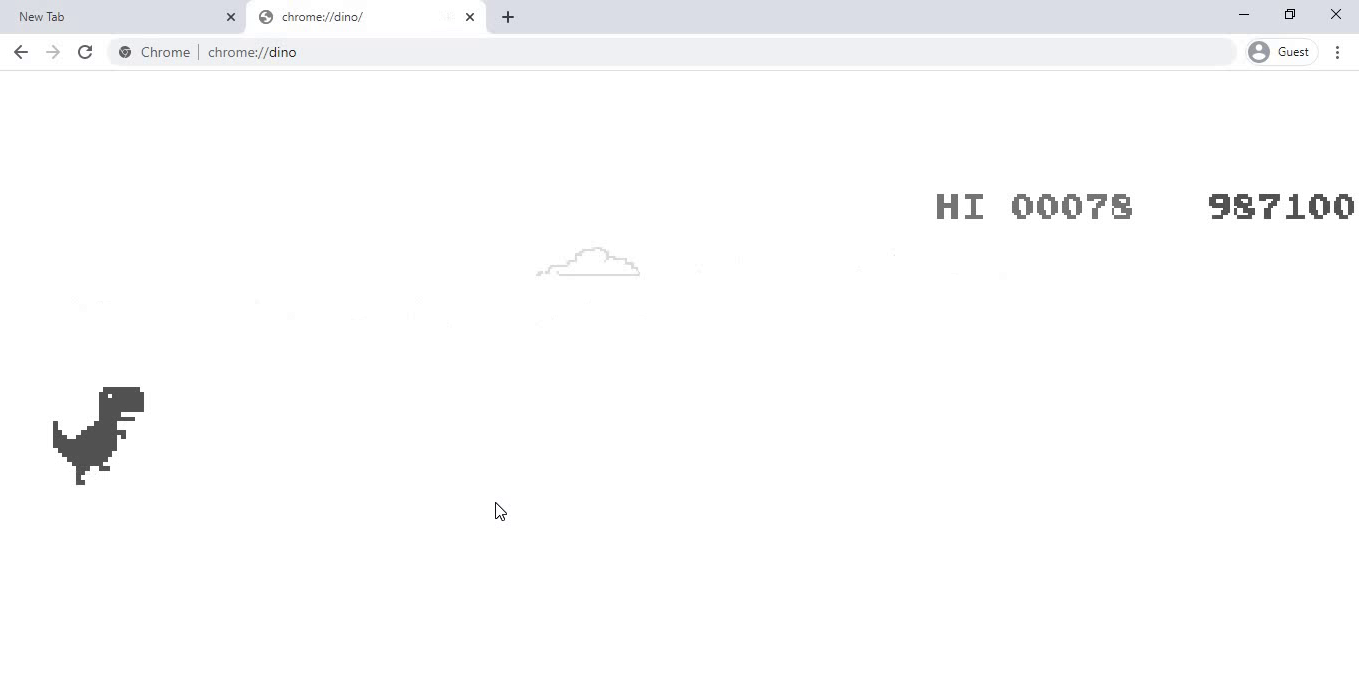
Fair warning: these only work on the real Chrome browser game at chrome://dino, not on third-party clones. And obviously, any scores achieved this way don't count. Curious about the real world record? See our Chrome Dino world record breakdown.
9. The Cactus Varieties
Not all cacti are created equal. The game features multiple obstacle types that affect your jump timing:
- Small single cactus: Quick hop, easy to clear
- Tall single cactus: Requires precise timing
- Cactus clusters: Groups of 2-3 cacti that need longer, higher jumps
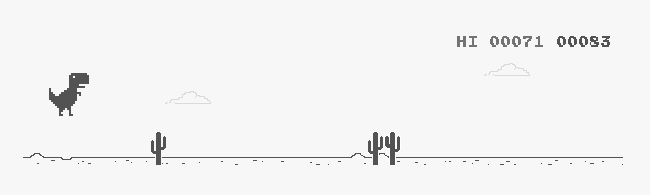
For roughly the first 450 points, only cacti appear (pterodactyls spawn once the game speed hits 8.5 pixels per frame). After that, all obstacle types enter the rotation. The gap between obstacles is controlled by a GAP_COEFFICIENT of 0.6 -- lowering this value in the console makes the game brutally difficult.
Keep Reading
- The Complete History of Chrome's Dinosaur Game -- From Project Bolan to 270 million monthly plays.
- 10 Things You Didn't Know About Chrome's Dinosaur Game -- A real-life monument, a rock star codename, and more trivia.
- Chrome Dino World Record: No Official Record + 99,999 -- What the current source does and how to evaluate score evidence.
Want More Dino Secrets?
The Jumping Dino is packed with hidden surprises across its campaign levels, diverse biomes, and multiplayer modes. If you love the Chrome Dino's charm but want a full game experience, this is it.
Campaign levels across five prehistoric eras. Egg rescues and unlockable dinosaurs. Sanctuary progression, Infinite mode, and races against nine locally simulated AI ghost dinos. Campaign and Infinite work offline; ghost races and the global leaderboard require a connection.
Sources & References
Last verified:
- As the Chrome dino runs, we caught up with the Googlers who built it
Google — Google's official interview with the Chrome Dino creators about the origin, controls, Project Bolan, and monthly plays.
- Chromium dino_game source directory
Chromium — The current open-source Chrome Dino implementation, including runner logic, obstacles, and sprite handling.
- Chromium distance_meter.ts
Chromium — The score display implementation, including distance conversion, achievement flashing, and digit expansion after the initial five-digit meter.
LEVEL UP
Love the Classic? Meet the Evolution.
The Jumping Dino takes everything you love about the Chrome dino game and turns it into a full adventure.
3M+
Downloads
4.3★
Google Play rating
9.28K
Reviews