Wiki
Chrome Dino Game Physics
How the T-Rex's Jump Feel Was Engineered
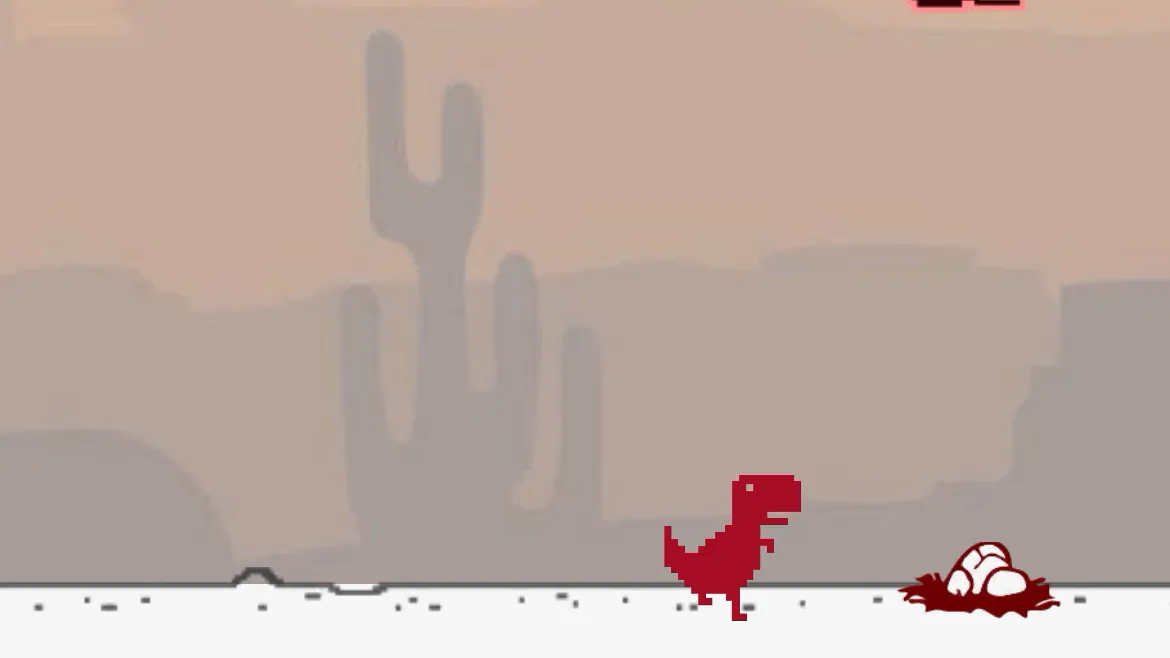
Current Chrome Dino physics live in Chromium's TypeScript modules. A jump begins with an initial upward velocity, adjusted by current speed, and gravity changes that velocity each update. Releasing the jump key after the configured minimum height lets endJump clamp the upward velocity to the drop velocity, producing a shorter arc. Down Arrow while airborne sets a speed-drop state and multiplies vertical displacement by the configured coefficient. Collision detection uses several axis-aligned boxes for the running T-Rex and each obstacle, which approximates sprite shapes more closely than one large rectangle. This is ordinary multi-box collision geometry, not coyote time. The Jumping Dino uses its own mobile physics and should not be assumed to share Chromium's constants.
Jump Physics in Detail
Normal jump configuration uses gravity 0.6, minimum and maximum jump-height values of 30, initial jump velocity -10, and drop velocity -5. startJump subtracts speed / 10 from the initial velocity. Releasing the jump key calls endJump; after minimum height has been reached, that method clamps a still-rising velocity to -5 so descent begins sooner. Fast-fall instead sets jump velocity to 1 and multiplies vertical displacement by the speed-drop coefficient of 3. The source does not claim a fixed percentage reduction in airtime.
Collision Detection and Hitbox Design
The running T-Rex uses six collision boxes; ducking uses one wider box. Small cactus, large cactus, and pterodactyl definitions each provide their own boxes. Collision code offsets these boxes by current sprite positions and checks overlap. The boxes themselves are not multiplied by the game-speed value. Movement uses elapsed frame time, and the constants module defines a 60 FPS reference for animation and motion calculations.
Speed Progression and Its Effect on Feel
Normal mode starts at speed 6, adds 0.001 per active update, and caps at 13. The score is rounded from distance multiplied by 0.025. Under nominal 60 FPS timing, those constants reach the cap around 1,660 score, not 700. Faster obstacle movement reduces available screen time, while startJump also makes launch velocity slightly more negative as speed rises. Exact reaction windows depend on viewport width, obstacle width, random gap, current speed, and input timing, so the source does not support one universal millisecond figure.