Wiki
Chrome Dino Source Code
Inside the Open-Source Code Behind Google's T-Rex Runner
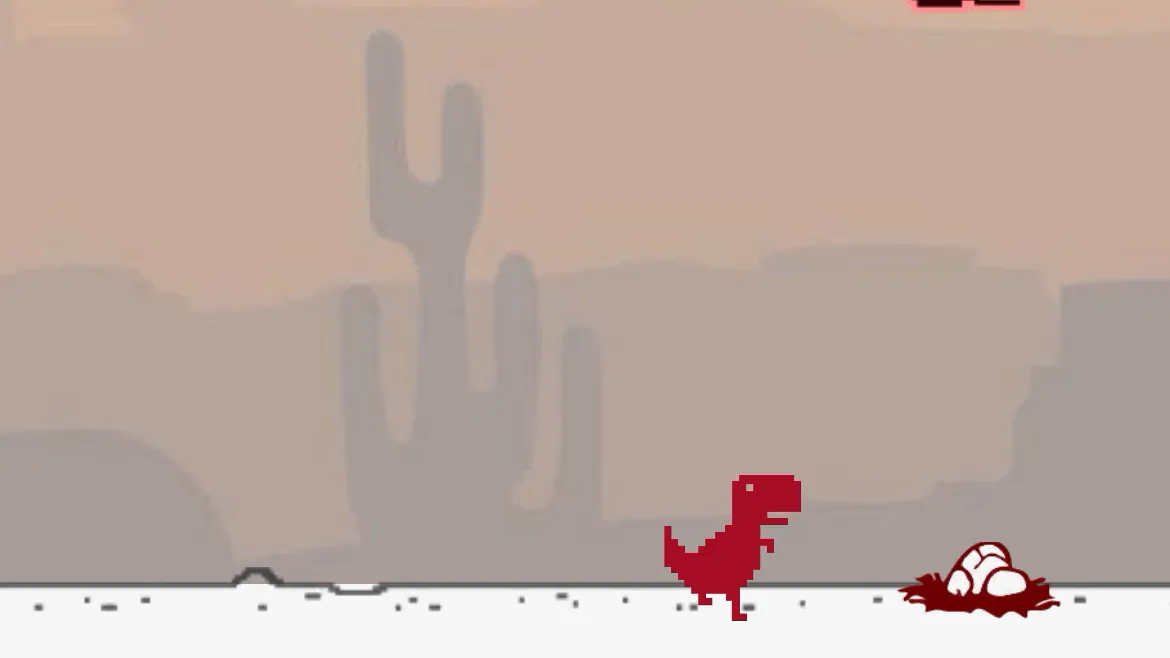
The Chrome Dino game is part of the open-source Chromium project, so its current implementation can be inspected directly in Google's source repository. As of July 2026, the game lives in components/neterror/resources/dino_game/. The main Runner controller is in offline.ts, while scoring, the T-Rex, obstacles, the horizon, sprites, game state, and sound are split into focused TypeScript modules. Older explanations that describe one current offline.js file are referring to a previous Chromium architecture. The game still uses the HTML Canvas API and browser timing primitives rather than a third-party game engine. Runner coordinates input and state, Trex owns jump and duck behavior, Obstacle and Horizon manage the moving world, and DistanceMeter converts distance into the displayed score. The current distance_meter.ts also proves that the display expands from five to six digits after 99,999. For developers, the code is a useful compact example of modular TypeScript, configuration-driven gameplay, accessibility support, sprite animation, collision detection, and a requestAnimationFrame loop.
Key Classes and Architecture
The current Chrome Dino source is organized into focused modules: - offline.ts / Runner: coordinates the game loop, input, speed, score state, pause/restart behavior, and accessibility.
- trex.ts: manages jump physics, ducking, animation states, and collision boxes.
- obstacle.ts: defines cactus and pterodactyl movement and spawning behavior.
- horizon.ts and related files: draw the ground, clouds, moon, night mode, and scrolling world.
- distance_meter.ts: converts distance to score, draws the high score, flashes achievements, and expands the display after the initial five digits.
- game_config.ts and sprite definition files: keep speeds, gaps, modes, and asset positions configuration-driven. This modular TypeScript layout replaced the older single-file JavaScript structure.
How the Game Loop Works
The game uses a standard requestAnimationFrame loop. Each frame, the Runner.update method: 1. Calculates the time elapsed since the last frame
2. Updates the game speed based on elapsed distance
3. Moves all obstacles by their current speed
4. Checks for collisions between the T-Rex and any obstacle
5. Updates the score and distance meter
6. Clears the canvas and redraws all elements
7. Schedules the next frame If a collision is detected, the game enters a 'crashed' state, plays a brief animation, and waits for the player to press spacebar to restart. The entire game runs at a target of 60 frames per second, with delta-time compensation to ensure consistent physics on both fast and slow displays.
Learning From the Codebase
The current source demonstrates several useful engineering ideas in a real production feature: - Modular responsibility: runner, character, world, score, state, and assets are separate TypeScript modules.
- Event-driven input: keyboard, pointer, touch, visibility, focus, and gamepad events feed the same game state.
- Explicit state: waiting, running, jumping, ducking, paused, and crashed behavior is represented directly.
- Configuration-driven gameplay: acceleration, maximum speed, obstacle gaps, mobile coefficients, and alternate modes are data-driven.
- Accessibility: live-region messages, labels, slowdown controls, and input alternatives are part of the current implementation.
- Frame-rate-aware timing:
requestAnimationFrameand elapsed time keep movement consistent. Read the current Chromium files rather than copied tutorials built around the retiredoffline.jslayout.