Guide
Chrome Dino Night Mode — Tips & Guide (2026)
How to Stay Sharp When the Screen Goes Dark
At positive 700-point multiples, current Chromium can trigger a temporary color inversion from the familiar light background to a dark screen with light sprites. The inversion timer lasts 12 seconds. Understanding that this is a timed visual change, not a new gameplay phase, makes it easier to keep your rhythm.
At a glance
Quick Summary
- 01Know the Trigger and Duration
- 02System Dark Mode Changes the Base Scheme
- 03Treat It as a Visual Change
- 04Recalibrate Your Eye Focus Point
- 05Reduce Screen Brightness or Increase It
Understanding Night Mode
Know the Trigger and Duration
BeginnerCurrent Chromium checks whether the calculated score is an exact positive multiple of the configured `invertDistance`, which is 700 in normal mode. Once triggered, `invertFadeDuration` keeps the inversion timer active for 12 seconds before the base scheme returns.
System Dark Mode Changes the Base Scheme
BeginnerThe runner reads `prefers-color-scheme: dark`. If your operating system and Chrome report a dark preference, the game uses the inverted scheme as its base appearance; the score-triggered cycle temporarily flips away from that base.
Treat It as a Visual Change
BeginnerThe transition changes rendering, not obstacle collision rules or speed. Keep reading the next obstacle and avoid changing an input solely because the palette changes.
Adapting Your Play Style for Night Mode
Recalibrate Your Eye Focus Point
IntermediateDay mode's white background makes obstacles easy to see at a distance. Night mode's dark background can make the white obstacle outlines feel less defined at the edges of your vision. Slightly shift your focus point left during night mode to compensate — give yourself an extra sliver of reaction time.
Reduce Screen Brightness or Increase It
IntermediateSome players find the sudden darkness of night mode disorienting because it changes apparent contrast. Experiment: lowering your screen brightness before a long session can make night mode less jarring. Others prefer a brighter screen so the white outlines pop more visibly in night mode. Find what works for your eyes.
Don't Break Your Rhythm at the Transition
IntermediateThe most common cause of death during night mode transitions is an involuntary pause or hesitation in button inputs. Practice reaching 700-point milestones deliberately so you can experience transitions repeatedly and learn to push through them without breaking your gameplay rhythm.
Night Mode Mastery and Long Runs
Treat the Inversion as Normal
AdvancedPractice through the first 700-point trigger until the palette change no longer interrupts your obstacle reading.
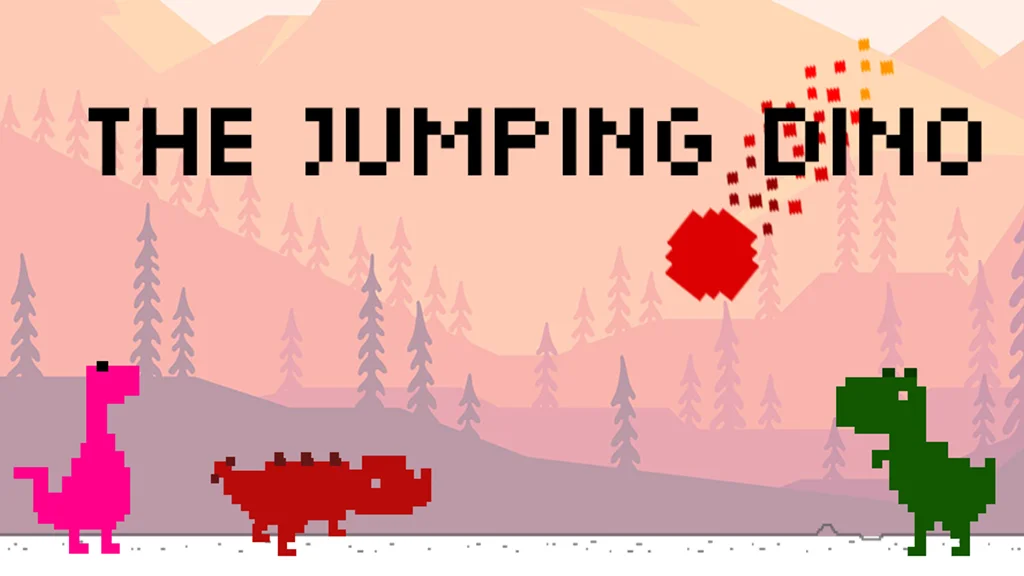
Use Varied Environments in The Jumping Dino
IntermediateThe Jumping Dino campaign uses multiple visual environments. They are not copies of Chromium's inversion cycle, but changing environments can help you practice keeping attention on obstacle silhouettes.
Review Where Runs End
AdvancedIf several runs end during a palette transition, focus practice on maintaining the same jump and duck timing through that visual change.