Guide
How to Play the Chrome Dino Game — Tips & Guide (2026)
Everything You Need to Know to Get Started
The Chrome Dino game is one of the most accessible arcade games ever made — hidden inside Google Chrome as an Easter egg for offline moments. Despite its simplicity, mastering it takes real skill. This guide walks you through everything: how to access the game, understanding the controls, identifying obstacles, and the key habits that separate beginners from high scorers.
At a glance
Quick Summary
- 01Access via Offline Screen or chrome://dino
- 02Start the Game and Understand the Objective
- 03Learn the Desktop Controls
- 04Identify Cactus Types
- 05Read Pterodactyl Position
Getting Started: Accessing the Game
Access via Offline Screen or chrome://dino
BeginnerThe easiest way to launch the game is to type chrome://dino directly into the Chrome address bar and hit Enter. This works even when you have an internet connection. Alternatively, disconnect your Wi-Fi or ethernet and open any webpage — Chrome will show the offline screen with the T-Rex waiting to play.
Start the Game and Understand the Objective
BeginnerPress Space or Up Arrow on desktop, or tap on mobile, to begin. Your goal is simple: survive while the runner accelerates continuously toward a configured maximum speed. The score flashes at each 100-point achievement, but speed does not increase in 100-point steps. There is no finish line.
Learn the Desktop Controls
BeginnerOn desktop, Space and Up Arrow jump. Down Arrow ducks while grounded and triggers a faster fall while airborne. Current Chromium mobile play uses touch to jump; it does not map a downward swipe to the desktop duck action.
Understanding Obstacles and Timing
Identify Cactus Types
BeginnerCurrent Chromium defines small and large cactus types. Each can render as one to three units when its `multipleSpeed` threshold allows it. Wider groups need a longer clearance arc.
Read Pterodactyl Position
BeginnerDesktop Chromium uses y=100, y=75, and y=50. Jump the lowest bird, duck the middle bird, and keep running under the highest. Mobile uses only the lowest and highest positions.
Time Jumps for the Visible Obstacle
IntermediateJump late enough to preserve room for what follows, but early enough to clear the full obstacle width.
Use Down Arrow to Fall Faster
IntermediateWhile airborne, Down Arrow triggers Chromium's speed-drop behavior. Use it when landing earlier helps with the next visible obstacle.
Building Good Habits for Score Improvement
Watch the Right Spot on Screen
BeginnerDon't stare at the dinosaur. Fix your gaze roughly one-third from the right edge of the screen — this is where obstacles first become clearly visible and gives you the best reaction window. Moving your focus point slightly right as the game speeds up helps maintain good reaction time.
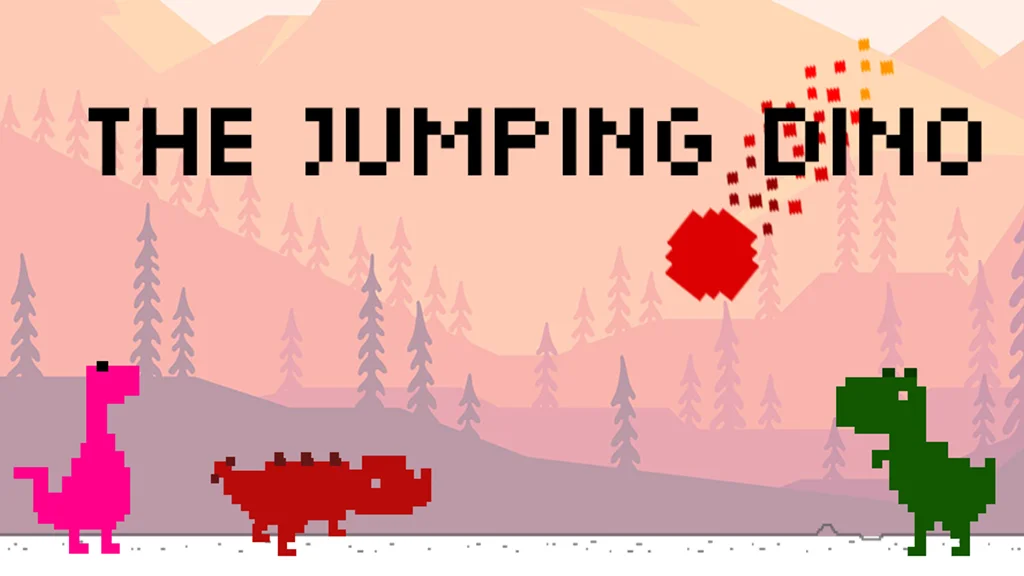
Play The Jumping Dino to Practice on Mobile
BeginnerIf you want the Chrome Dino experience on your phone with more features, The Jumping Dino app (available on iOS and Android) offers the same core gameplay with added campaign levels and characters. It's a great way to practice touch controls during commutes or travels without needing internet.
Set Small Score Goals
BeginnerRather than aiming for the max score right away, set incremental targets: 500 points, then 1,000, then 2,000. Each milestone forces you to develop new skills as the speed increases. Celebrate each personal best — steady improvement is how players eventually reach elite scores.